Add or Change a User's Email Address
This article explains how to add or edit a user's email address.
Written By Reshma Kader
Last updated About 2 months ago
Add or Change a User's Email Address
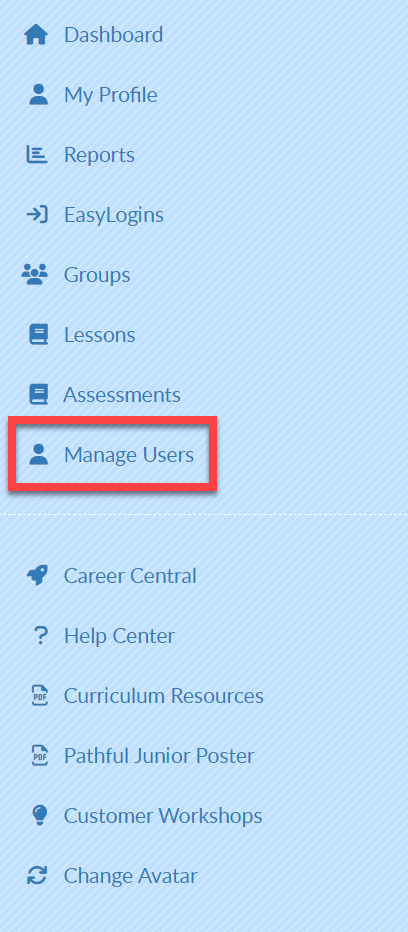
From your Dashboard, select Manage Users.
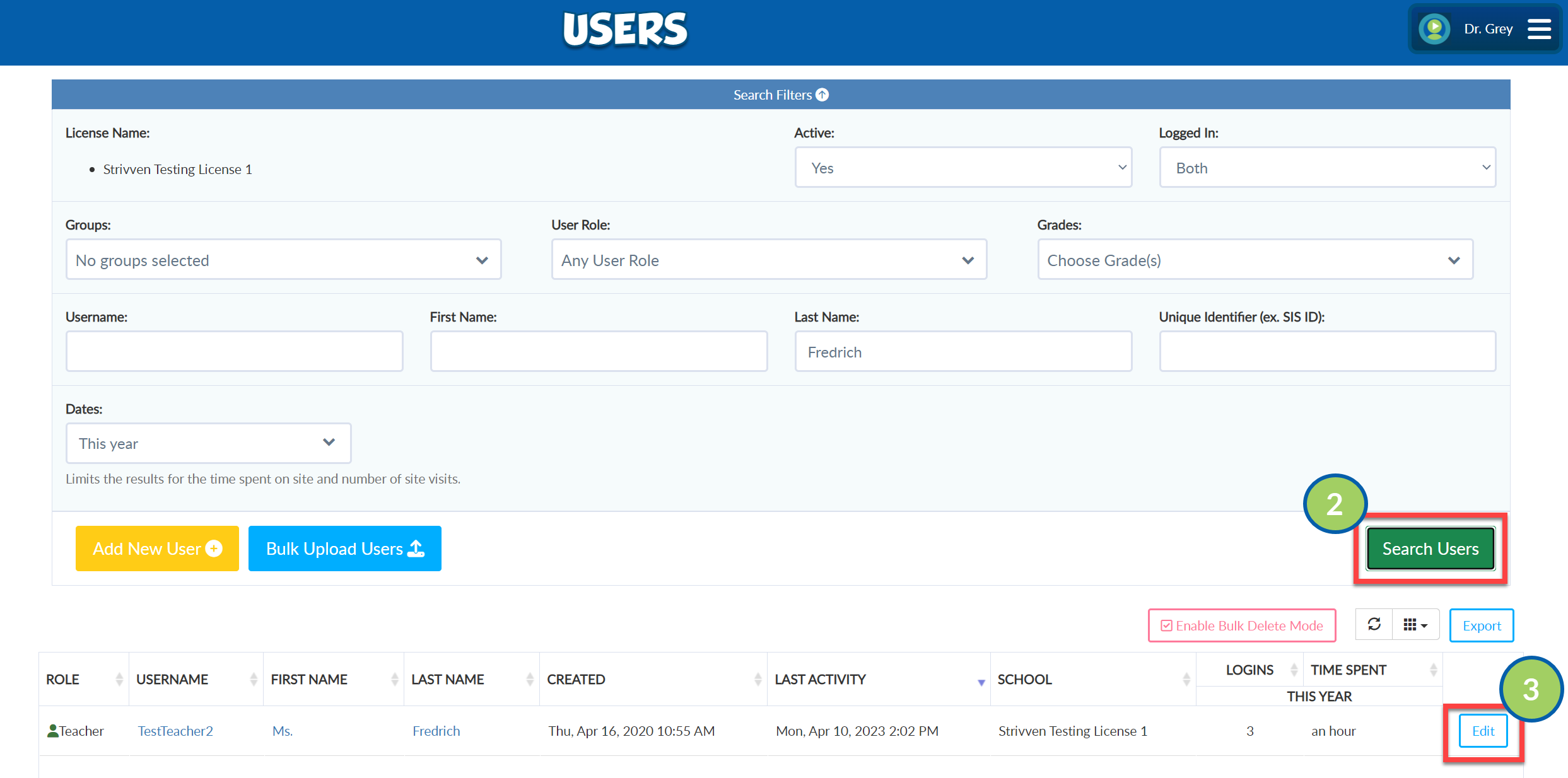
Complete the filters as needed and select Search Users.
Select the Edit button to the right of the desired user.
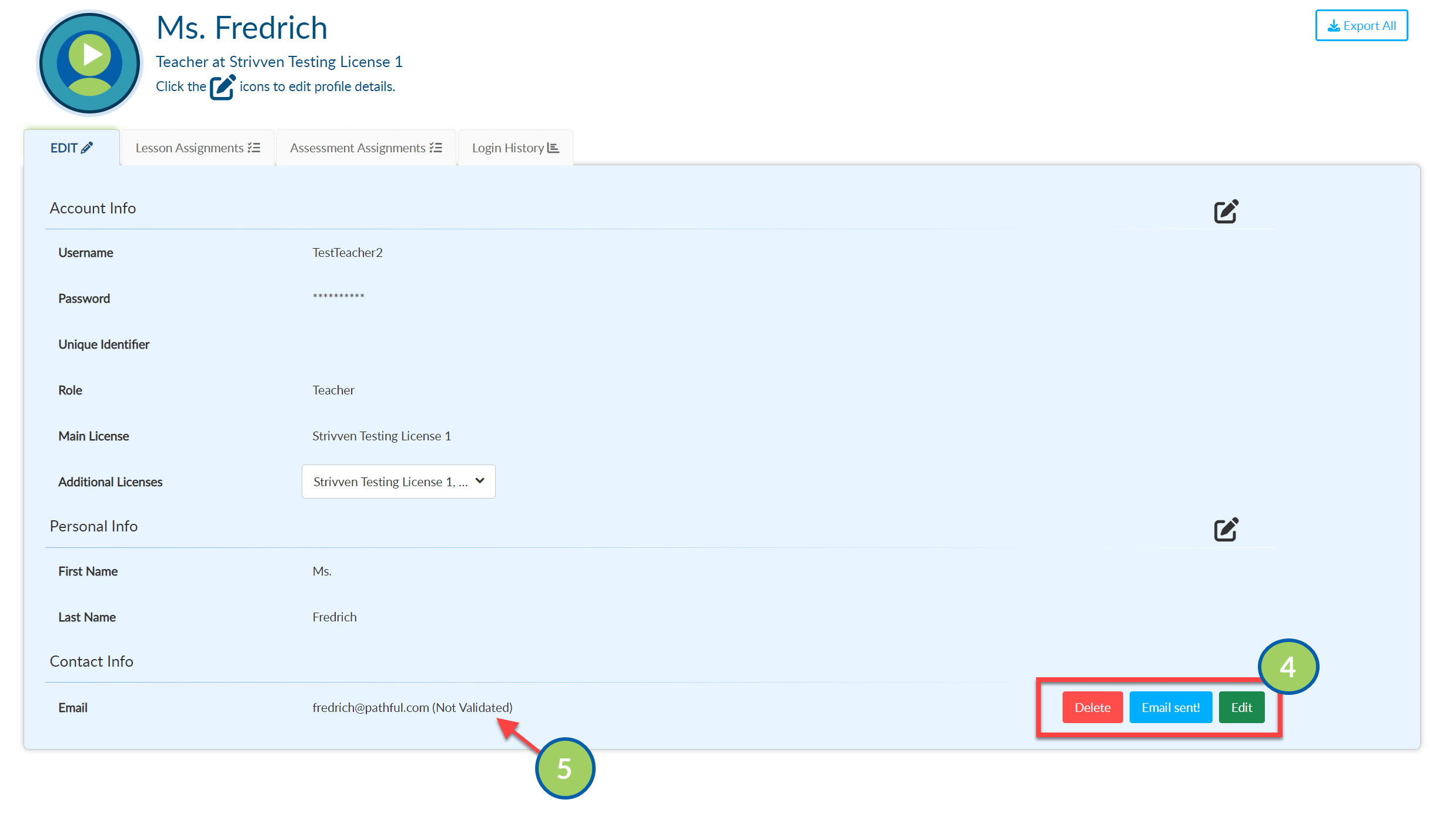
Add, Edit, or Delete the email.
When a new email address is added, the user must validate their email address using the link in the confirmation email from Pathful. Once this is complete, the status of the email address will change to Validated.