View My Lesson Assignments
Written By Chelsie
Last updated 4 months ago
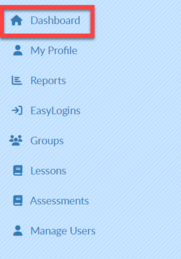
Select Dashboard in the upper left corner.
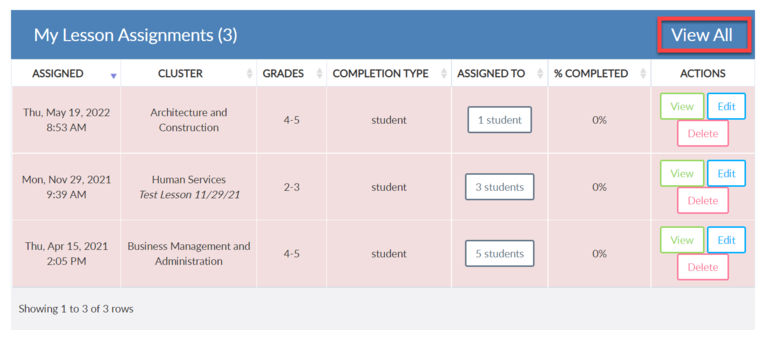
MY LESSON ASSIGNMENTS will display in the center of the screen.
Select VIEW ALL on the right side of the screen to see a list of all assignments.
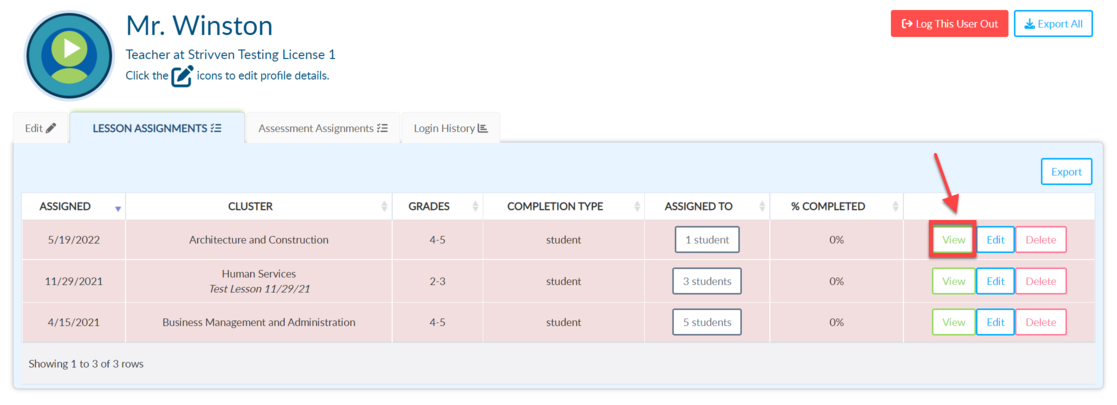
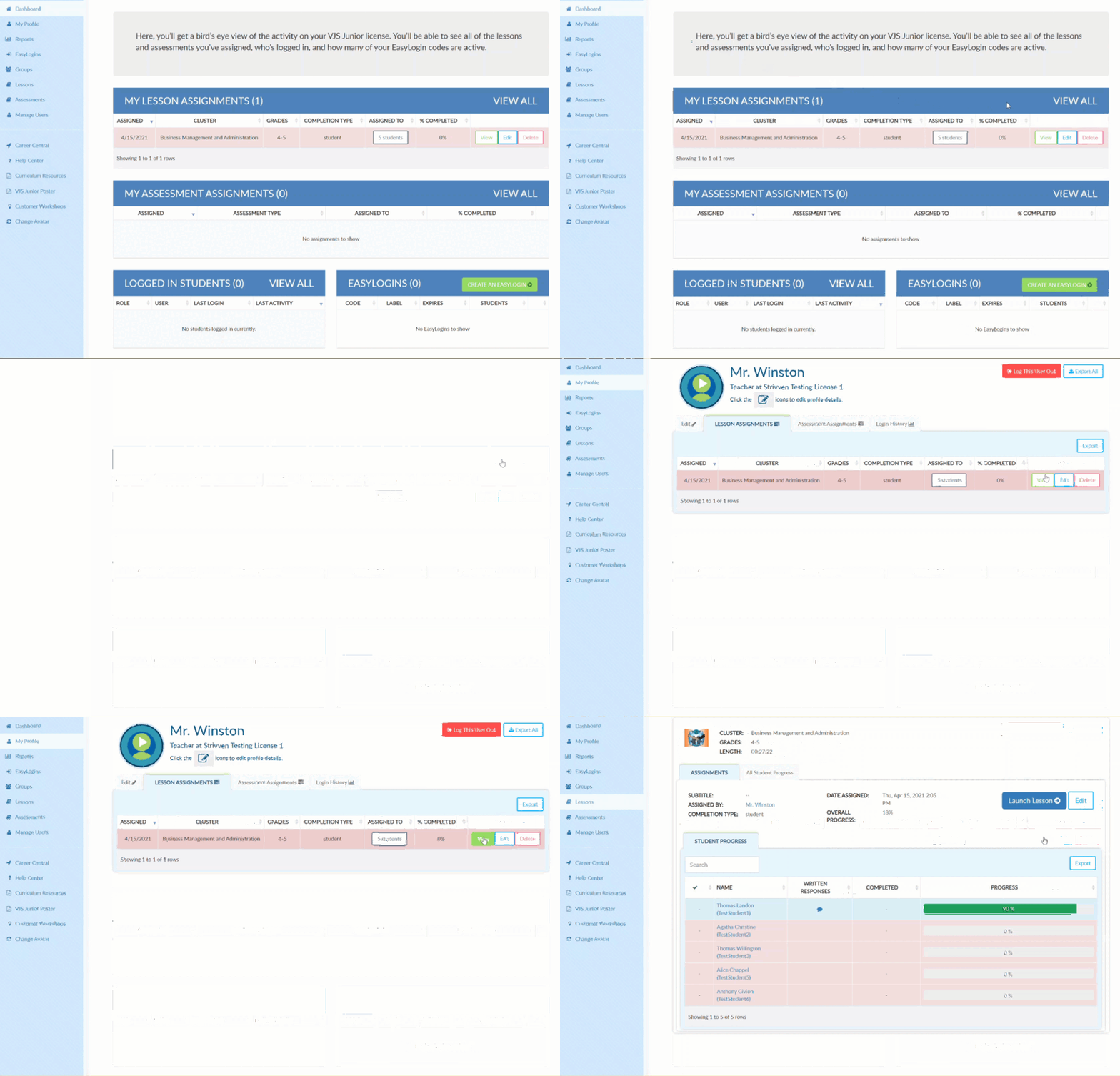
Select View to the right of the desired assignment.
Was this helpful?
Still need help? Ask the team