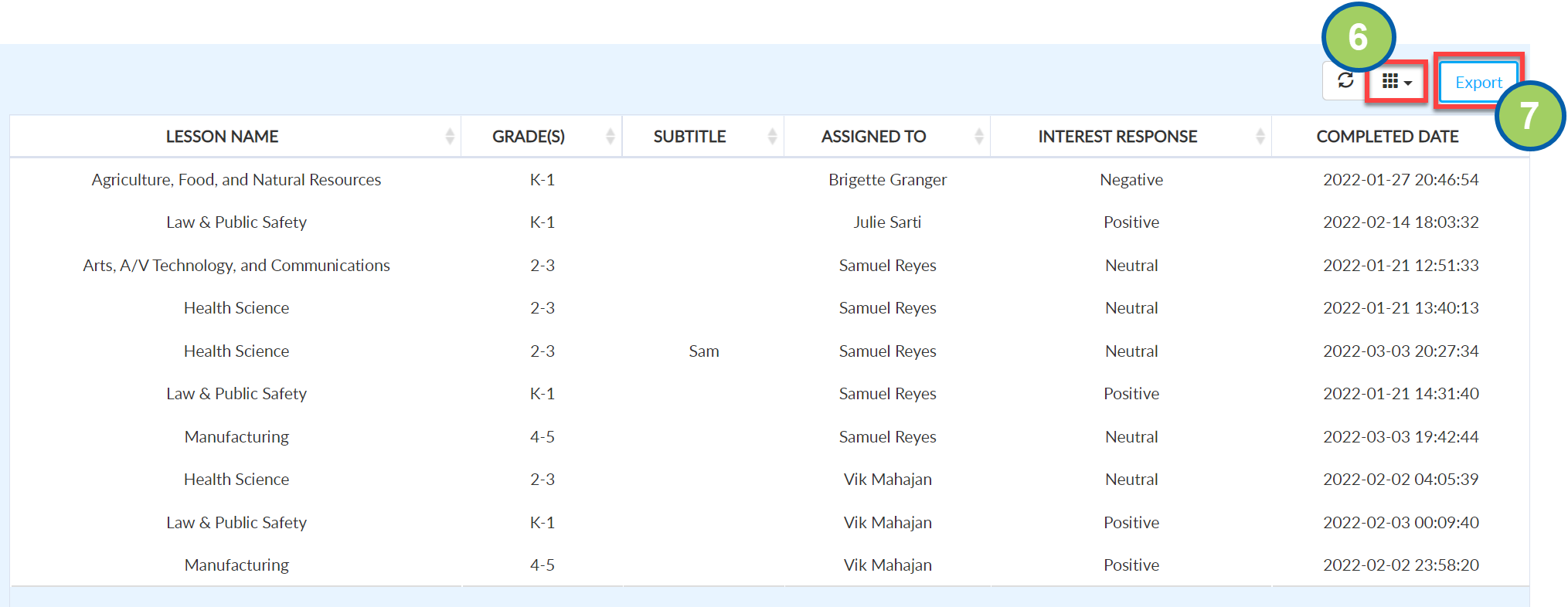
Lessons- Student Interest by Student
How to create a Lessons- Student Interest by Student report.
Written By Jessaca Smith
Last updated About 2 months ago
A Lessons- Student Interest by Student report provides information about how individual students rate their interest (positive or negative) in a career.
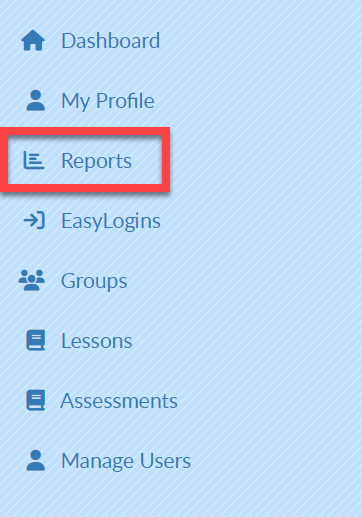
Click Reports on the left menu bar.
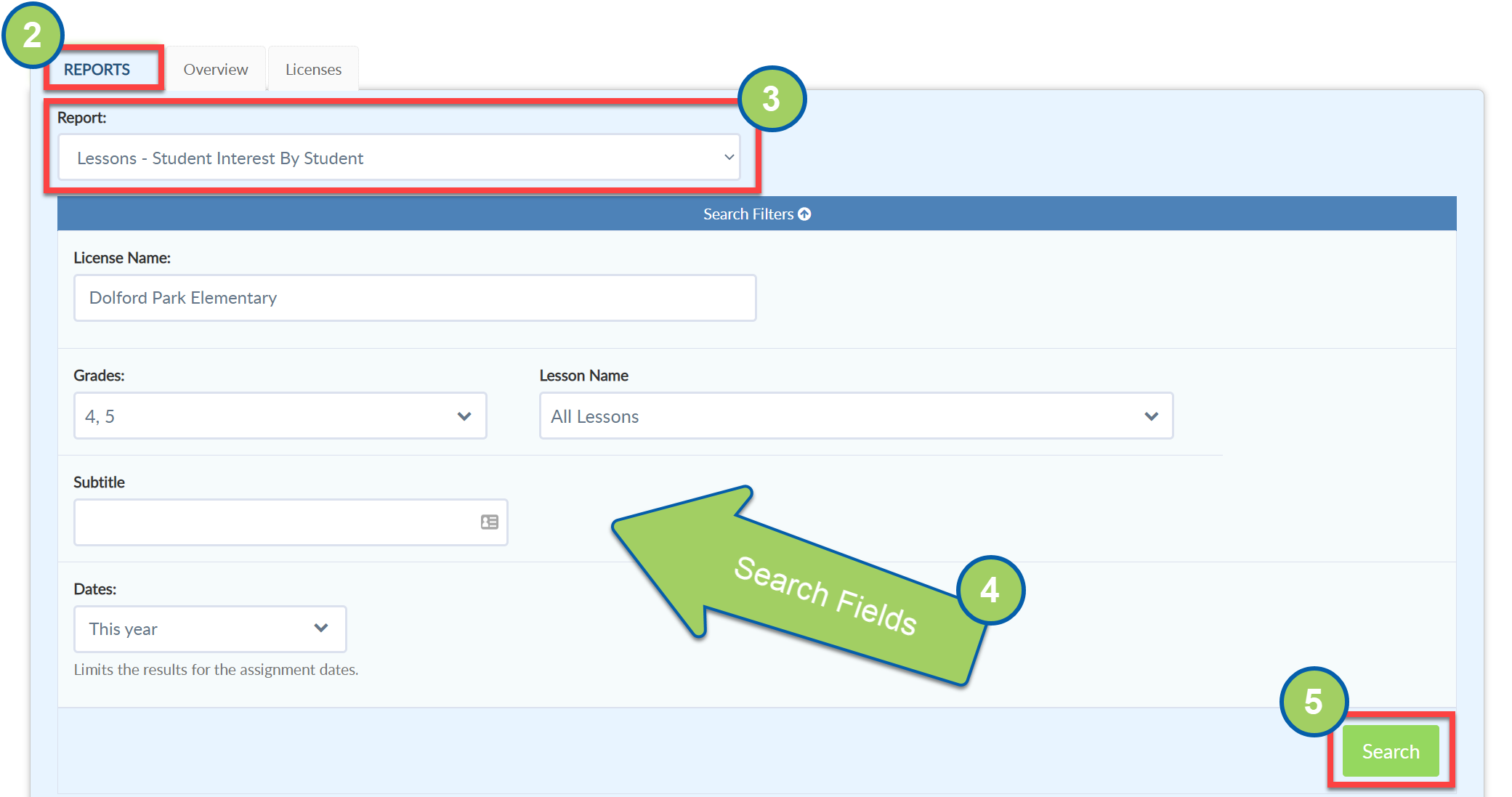
Select the Reports Tab.
From the Report drop-down menu, select Lessons- Student Interest by Student.
Complete the Search Fields as desired.
Select Search. Your report will populate at the bottom of the screen.
Select the grid icon to add or remove fields from the report.
Select Export to create an Excel file of this report.