Lessons- Student Progress Report
Written By Jessaca Smith
Last updated About 2 months ago
You can create two Lesson related reports: Overview and Student Progress.
Lessons- Student Progress Report
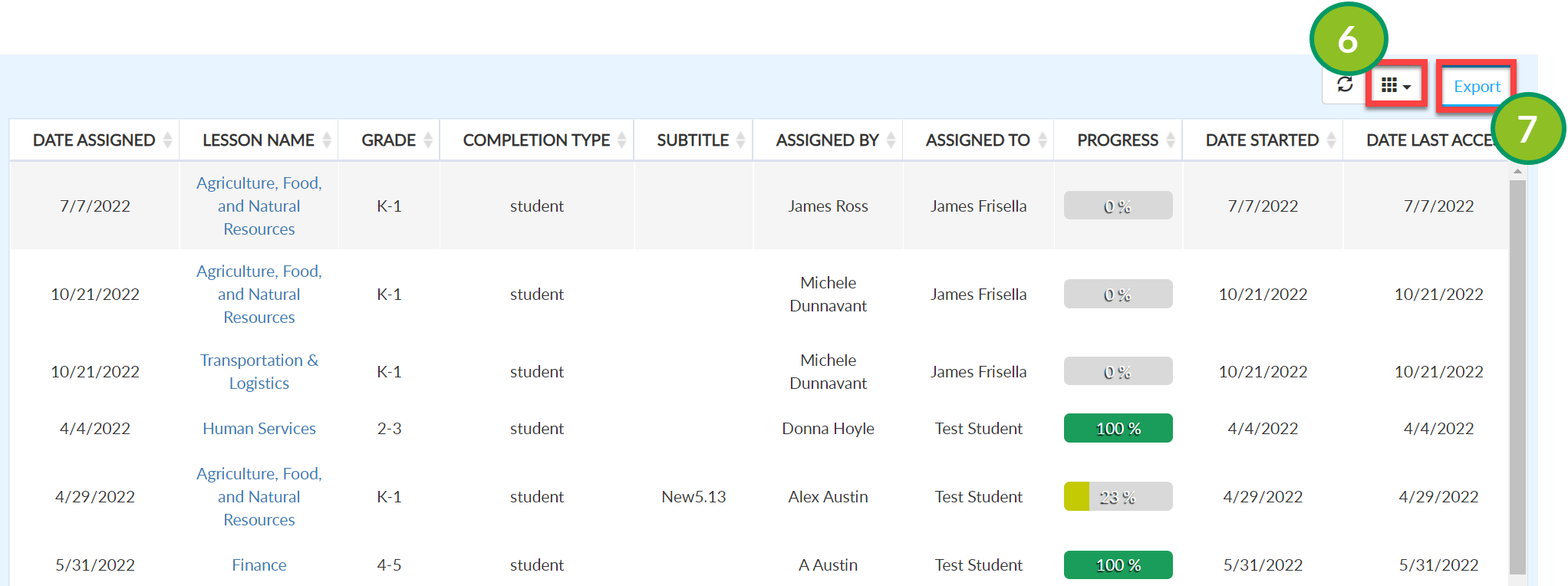
A Lessons - Student Progress report provides details about student progress on assignments.
The report can be filtered for broad results (i.e. all users on a license) or more granular results (i.e. Individuals or specific lessons).
This report provides the following information:
Date Assigned
Lesson Name
Cluster
Grade
Completion Type
Subtitle
Assigned By
Assigned To
Progress
Date Started
Date Last Access
Date Completed
Total Time Spent
Create a Lessons- Student Progress Report
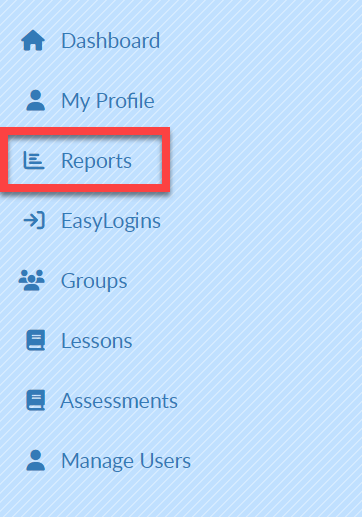
Select Reports on the left menu bar.
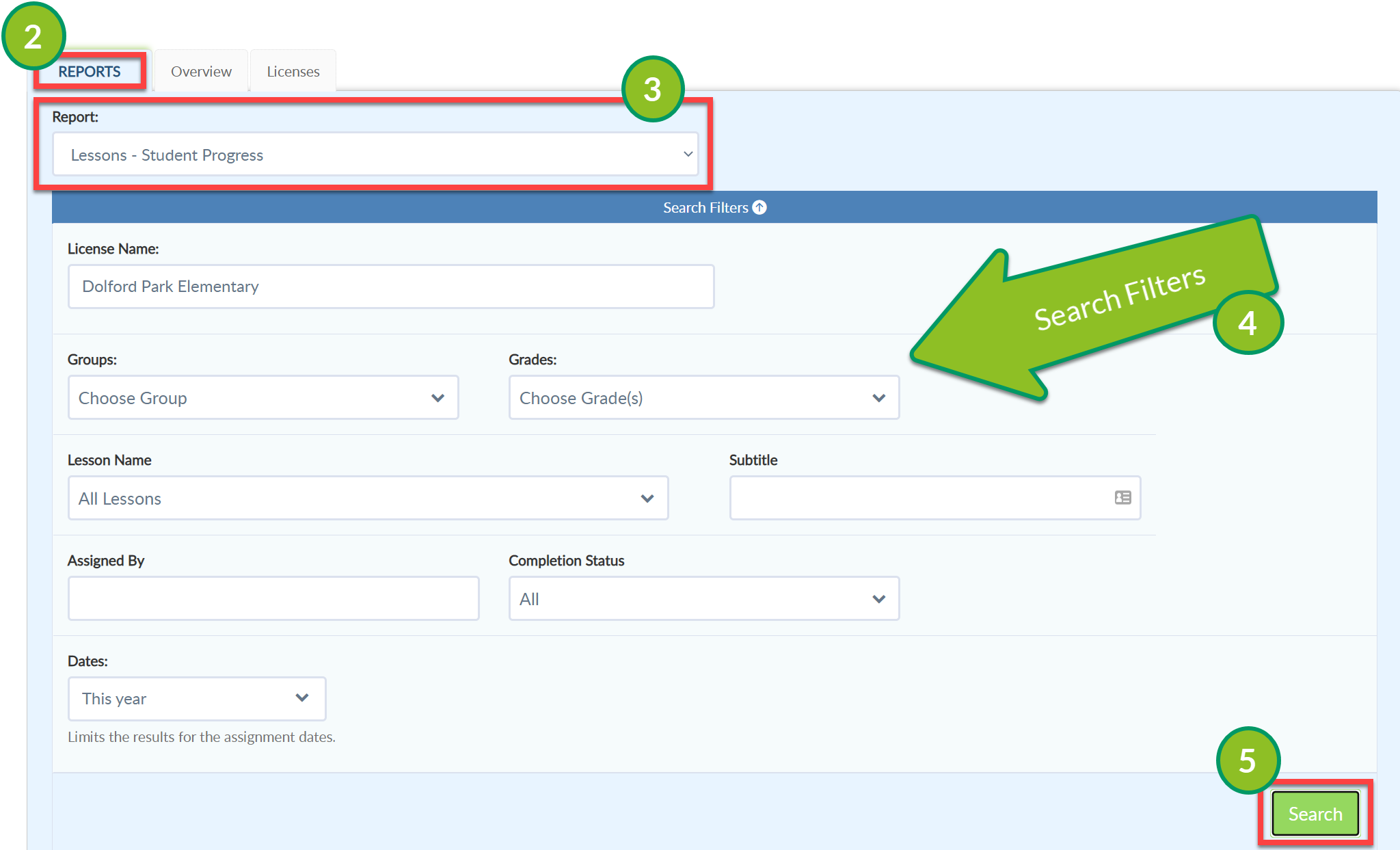
Select the Reports Tab.
From the Report drop-down menu, select Lessons- Student Progress.
Complete the Search filters as desired.
Select Search. Your report will populate at the bottom of the screen.
Select the grid icon to add or remove fields from the report.
Select Export to create an Excel file of this report.