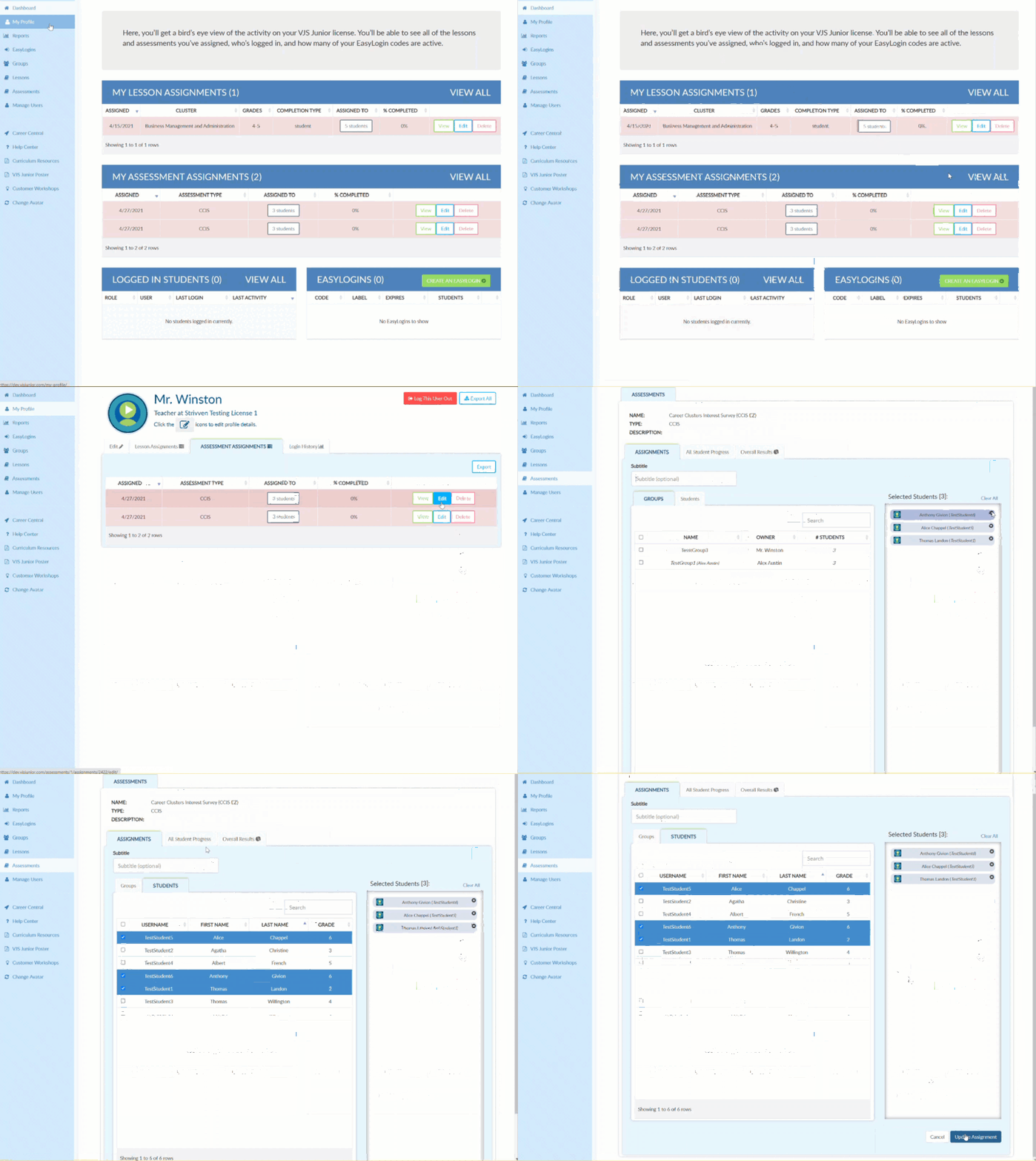
Edit My Assessment Assignments
Written By Chelsie
Last updated About 2 months ago
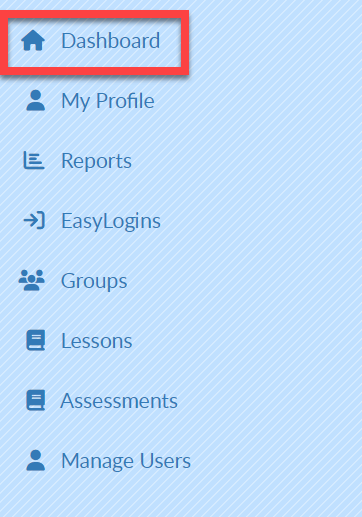
Select Dashboard in the upper left corner.
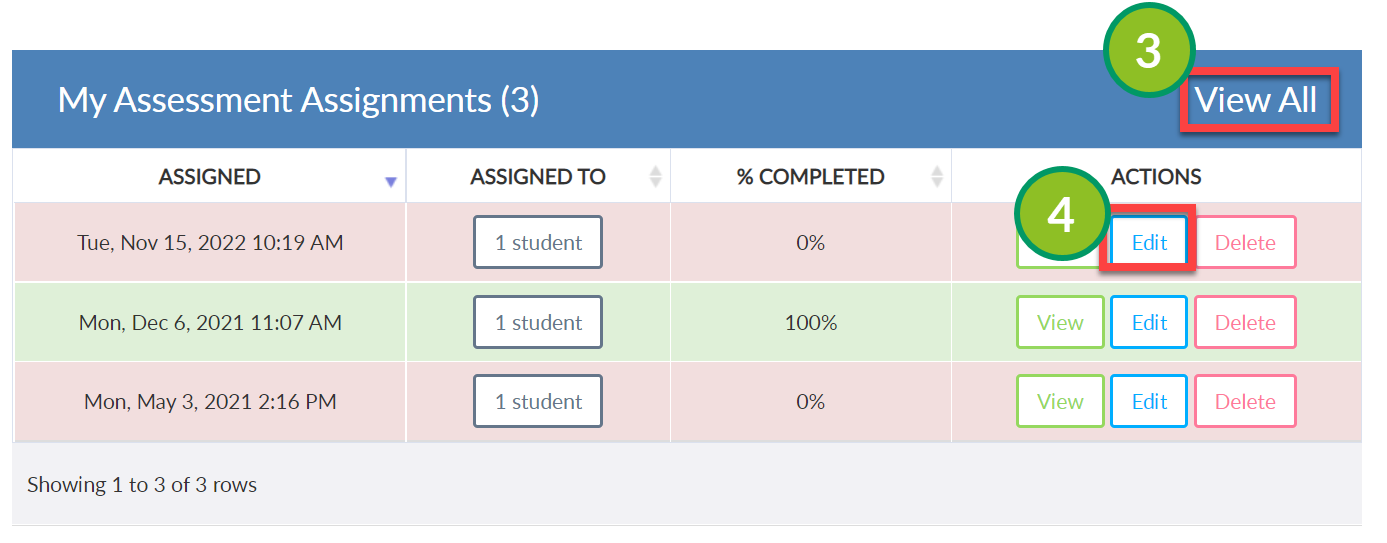
MY ASSESSMENT ASSIGNMENTS will be displayed in the middle of the screen.
Select VIEW ALL on the right of the screen.
Select Edit to the right of the desired assessment assignment.
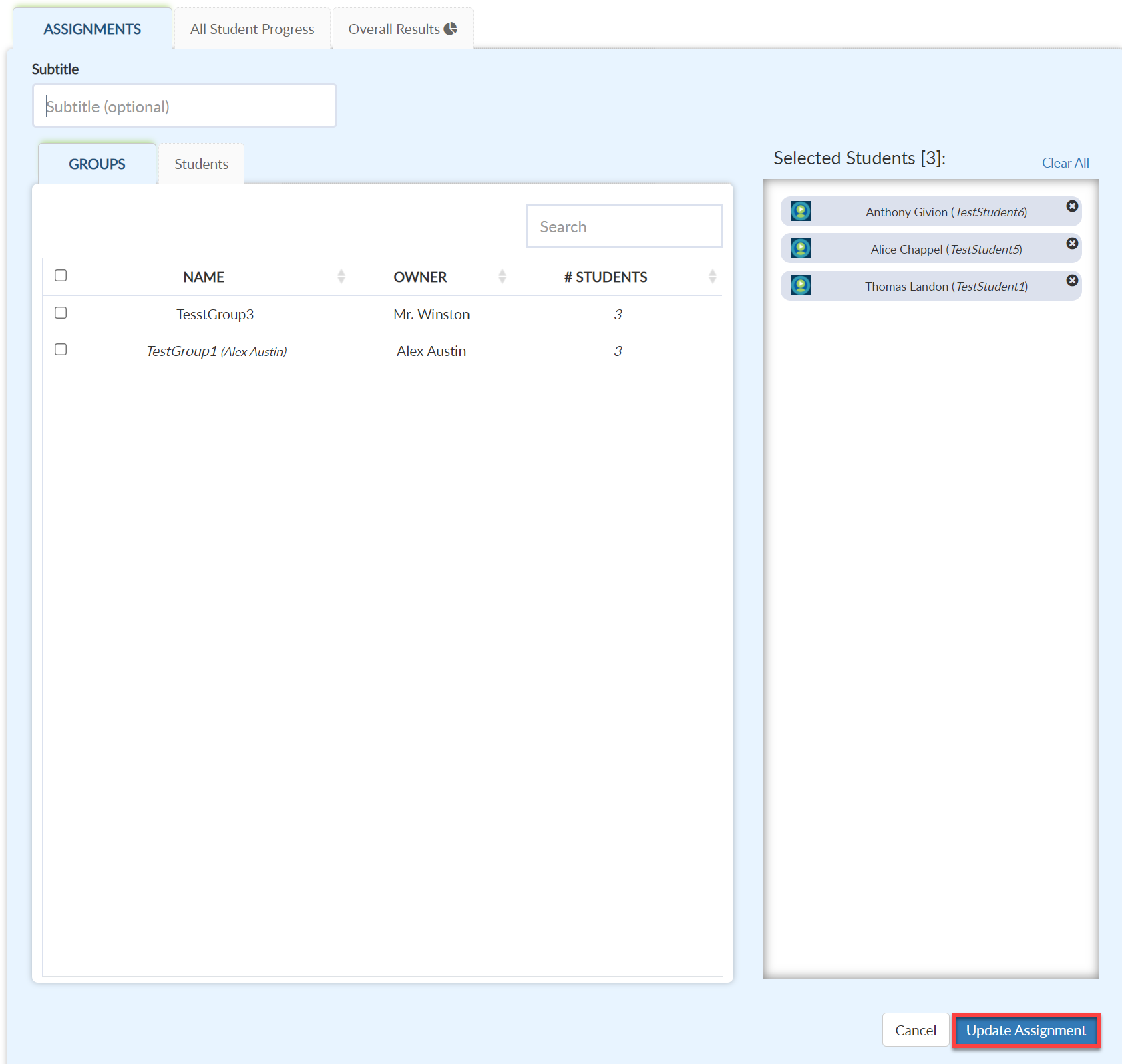
Make changes as needed.
Select Update Assignment to save.
Video Tutorial