License Level Report of Users Activity
This statistical report provides statistical data about the activity of the users on your license.
Written By Jessaca Smith
Last updated About 2 months ago
There are two reports you can run which provide data at the license level: Overview and Licenses.
Licenses Report
This statistical report provides statistical data about the activity of the users on your license(s).
It is customizable by selecting a date range using the Dates dropdown menu.
This report can be exported to Excel.
Report fields include the following:
License Name
Expiration Date
Account Limit
Total Users
Total Admins
Time on Site
Site Visits
Assessments Completed
Career Journals
Careers Viewed
Created
Activation
Groups
Navigation to Licenses Report
Select Reports on the left menu.
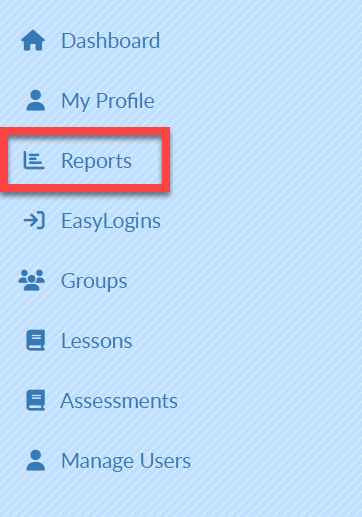
Select the Licenses tab.
Select Export to view data in Excel.
