Delete My Assessment Assignments
Written By Chelsie
Last updated 4 months ago
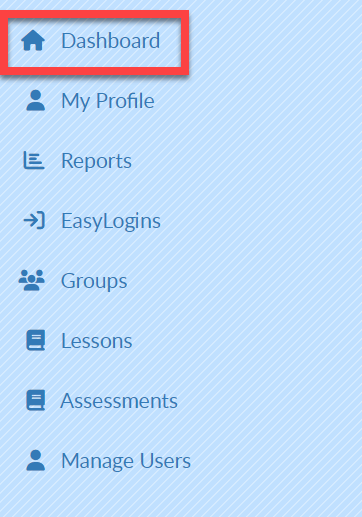
Select Dashboard in the upper left corner.
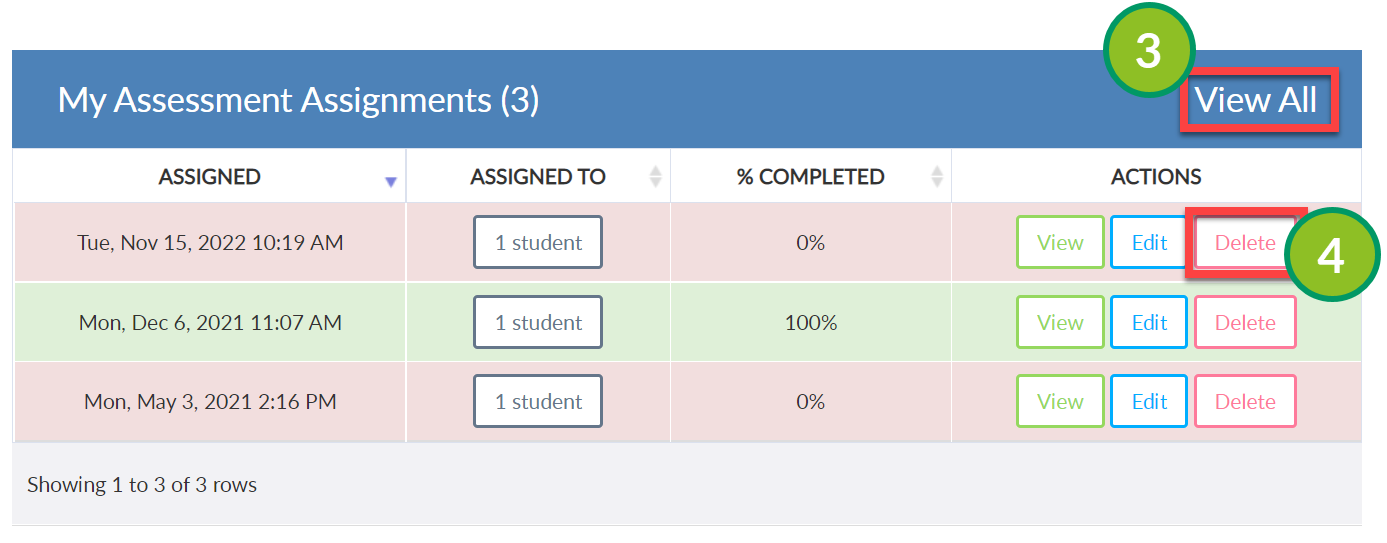
MY ASSESSMENT ASSIGNMENTS will be displayed in the middle of the screen.
Select VIEW ALL on the right of the screen.
Select Delete to the right of the desired assessment assignment.
In the pop-out, select OK to confirm deletion or Cancel to go back to the assignment.
Video Tutorial
Was this helpful?
Still need help? Ask the team